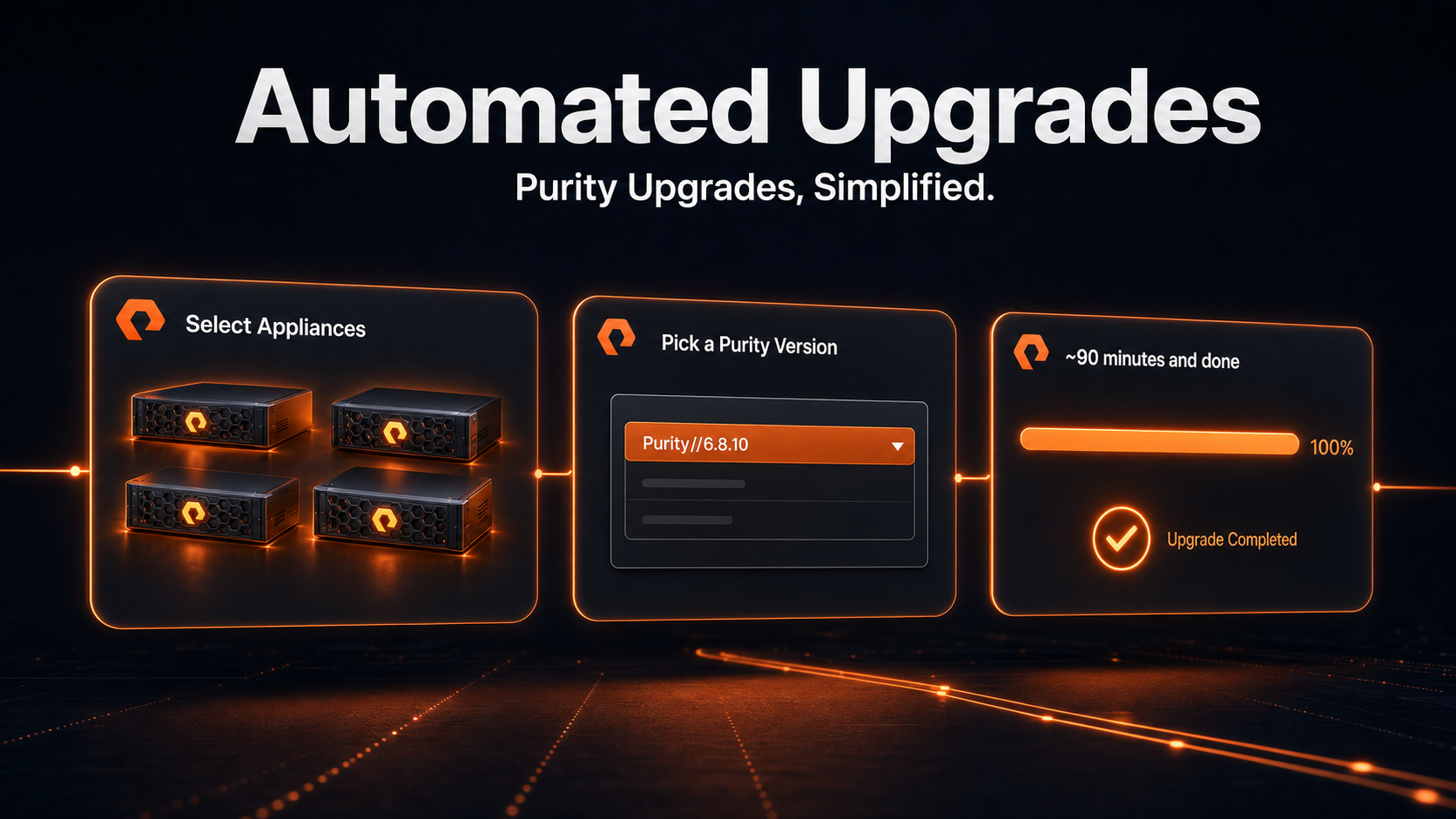
Keeping Your Fleet Up-to-Date Just Got a Lot Easier

Keeping your fleet current just got a lot simpler: select your appliances, pick a Purity version, and Automated SSU takes it from there.
Did you know: 95% of Purity upgrades now finish in under 90 minutes. You can run them in parallel and your whole fleet finishes in the same time it takes to do one.
Every Purity release delivers more: better performance, new capabilities, the latest security updates. Staying current is how you keep pulling value out of hardware you already own. At Everpure, upgrades shouldn't be something you plan your week around, or something that delays the benefits every Purity release brings.
Self-Service Upgrades in Pure1 (SSU) let you upgrade Purity on your own schedule, directly from Pure1, without opening a support ticket. It has quietly become the most popular way customers keep their fleets current.
What's new: Automated SSU
SSU has always given you full control over the upgrade flow, with mandatory pauses after each major step (health check, download, installation) and deciding when to continue. For teams who want to validate at every checkpoint, that is exactly how it should work and that manual flow isn't going anywhere.
For everyone else, it meant mandatory delays and too much hands-on involvement. Arrays sitting idle between phases, waiting for someone to click through.More time spent on an upgrade than necessary, and enough that some teams never tried SSU at all, and kept pushing upgrades for later.
Automated SSU is the option for those who want to go fast without giving anything up. Pick any number of appliances, select the target Purity version, authenticate, and go.
The workflow runs to completion on its own, non-disruptive by design, so your workloads keep running throughout. If anything goes wrong, the upgrade pauses on that appliance and a proactive case opens with Everpure Support. Over 100 automatic health checks run before and during the upgrade, and the workflow won't move past a critical failure. First response from Support is typically 30 minutes for install issues, 60 minutes for others.
Built for fleets
Need to cover your whole fleet? Select your appliances in bulk, hit go, and they upgrade in parallel, finishing in the same time it takes to do one. The Software Lifecycle dashboard shows you exactly what's running, what's done, and what (if anything) needs your attention.
If your target version is several releases ahead, SSU computes the upgrade path and runs the intermediate hops on its own.
Get started in 15 minutes
Not on SSU yet? The one-time setup takes about 15 minutes: enable cloud connection on each appliance from the CLI, then bulk-install the Purity Upgrade Agent from Pure1. After that, it is ready when you need it.
Give Automated SSU a try. It really is easier than you think.
Full SSU prerequisites and setup guide
